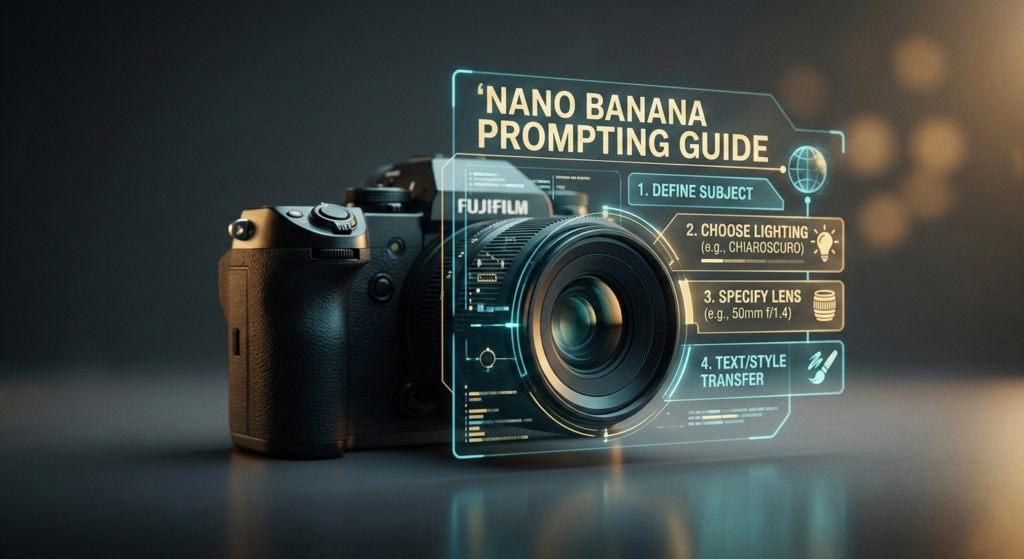
Creating high-fidelity, professional-grade images with AI is no longer a matter of luck or repetitive trial and error. With the release of Google’s latest models, the Nano Banana prompting guide has become the essential blueprint for creators, marketers, and developers looking to harness deep reasoning for visual storytelling.
Whether you are using Nano Banana 2 or the powerhouse Nano Banana Pro, understanding how to communicate with these models is the difference between a generic graphic and a cinematic masterpiece. In this comprehensive guide, we will break down the core frameworks and actionable insights from the official Nano Banana prompting guide to help you master the art of the perfect prompt.
Understanding the Nano Banana Ecosystem
The Nano Banana series is built on the Gemini 3 family, which introduces a “reasoning-first” approach to image generation. Unlike older models that simply “tag” keywords, Nano Banana models analyze the semantic intent behind your request.
Model Comparison: Nano Banana 2 vs. Nano Banana Pro
Before we dive into the techniques, it is crucial to know which tool to use for your specific project:
| Feature | Nano Banana 2 (Flash) | Nano Banana Pro |
| Best For | Speed, real-time data, web-integrated visuals | High-end production, intricate details |
| Input Tokens | 131,072 | 65,536 |
| Resolution | Up to 4K (includes 0.5K) | Up to 4K |
| Key Advantage | Real-time web search integration | Maximum precision and texture richness |
By following the Nano Banana prompting guide, users can leverage these specs to generate everything from 21:9 cinematic banners to localized marketing materials in over 10 languages.
The 5 Pillars of the Nano Banana Prompting Guide
To get the most out of these models, you must move beyond simple descriptions. The Nano Banana prompting guide suggests a structured “Director’s Mindset” rather than a casual user approach.
1. The Power of Positive Framing
One of the most important lessons in the Nano Banana prompting guide is to focus on what should be in the frame. Instead of saying “no cars on the street,” prompt for “an empty, quiet city street.” Positive descriptions provide the model with a clear visual target to render, reducing the likelihood of artifacts.
2. Narrative Image Generation
For a blank canvas, use the “Narrative Formula.” Instead of a list of words, tell a story.
- Formula: [Subject] + [Action] + [Context] + [Composition] + [Style]
- Pro Tip: Be specific about textures. Mentioning “navy blue tweed” instead of just “a suit” allows the model to utilize its deep reasoning for material accuracy.
3. Multimodal Mastery (Reference Images)
The Nano Banana prompting guide highlights the ability to use up to 14 reference images. You can upload a napkin sketch for structure and a fabric sample for texture. By telling the model the relationship between these files, you can generate high-fidelity 3D renders that maintain brand consistency.
4. Semantic Masking and Editing
Editing is about “Conversational Inpainting.” You don’t need to start over; you simply tell the model what to change. A core insight from the Nano Banana prompting guide is to explicitly state what should remain untouched. For example: “Remove the person from the background, but keep the lighting and the foreground furniture exactly the same.”
5. Real-Time Web Integration
Exclusive to Nano Banana 2 is the ability to pull from live web data. You can prompt the model to “Generate a miniature city inside a cup that reflects the current weather in San Francisco.” The model searches the web, sees it is raining, and applies that specific mood and lighting to the image.
Prompting Like a Creative Director
To truly excel, the Nano Banana prompting guide encourages users to adopt technical photographic language. This is where your AI-generated art moves into the professional realm.
Design Your Lighting
Lighting defines the mood. Instead of “bright light,” try these professional setups:
- Three-point softbox setup: For clean, professional product photography.
- Chiaroscuro: For high-contrast, dramatic lighting with deep shadows.
- Golden hour backlighting: For a warm, nostalgic, and ethereal glow.
Control the Camera and Lens
The model understands hardware. If you want a specific “feel,” specify the gear:
- GoPro: For a wide-angle, distorted, immersive action shot.
- Macro Lens: For extreme close-ups showing intricate textures like water droplets or fabric fibers.
- Low-angle shot: To make the subject appear powerful and monumental.
Professional Text Rendering
Text has historically been a challenge for AI, but the Nano Banana prompting guide provides a “Text-first hack.” First, converse with the model to establish the text concepts, then ask it to render the image.
- Always use quotes: “YOUR TEXT HERE”
- Specify fonts: Use terms like “bold sans-serif,” “minimalist Century Gothic,” or “elegant Brush Script.”
Actionable Frameworks for Success
To simplify your workflow, keep these three formulas from the Nano Banana prompting guide handy:
- Generation Formula: [Subject] + [Action] + [Location] + [Style] + [Lighting]
- Multimodal Formula: [Reference Images] + [Relationship Instruction] + [New Scenario]
- Search-Based Formula: [Search Request] + [Analytical Task] + [Visual Translation]
The Future: Integrating Nano Banana with Veo and Lyria
The Nano Banana prompting guide is only the beginning. These models are designed to work in a “Generative Creation” pipeline. You can use Nano Banana to create consistent keyframes, then pass them to Veo for video animation, and finally use Lyria to generate a custom soundtrack.
By mastering the Nano Banana prompting guide, you aren’t just making images; you are building the foundation for an entire AI-driven production studio.
Conclusion: Why the Nano Banana Prompting Guide Matters
The shift from “prompt engineering” to “creative direction” is the most significant takeaway from the Nano Banana prompting guide. By focusing on specific hardware, narrative structures, and deep reasoning, you can eliminate the unpredictability of AI and produce studio-quality results every time.
Start experimenting with these frameworks today, and you’ll see an immediate improvement in the precision, vibrancy, and professional quality of your generated visuals. The Nano Banana prompting guide isn’t just a set of rules—it’s your ticket to the next level of digital creativity.