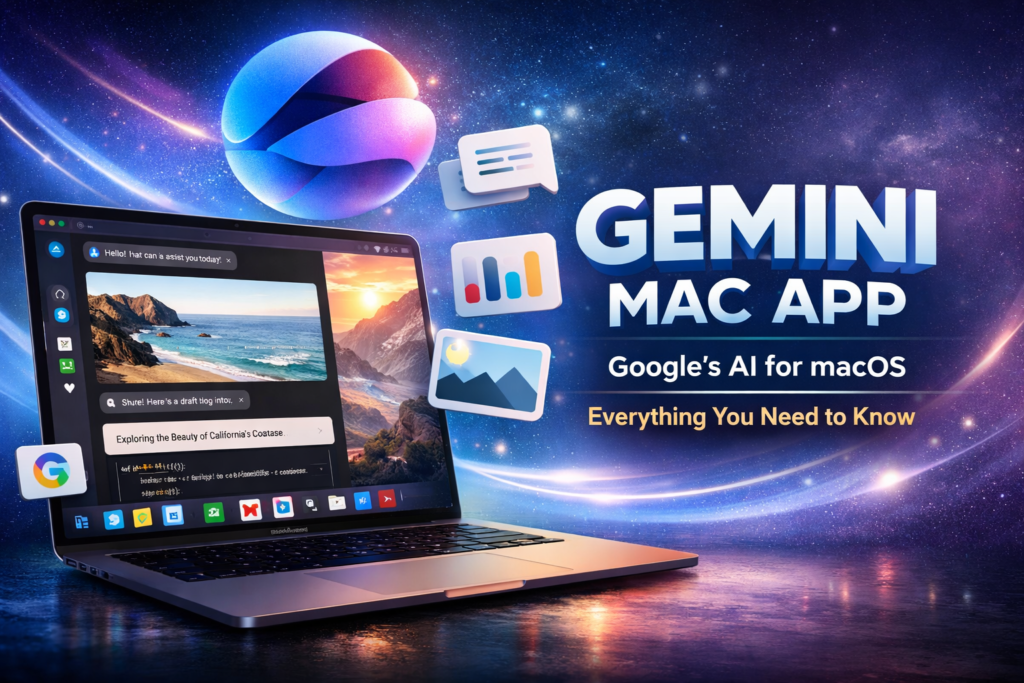
If you want a faster, more seamless AI experience on macOS, the Gemini Mac app is exactly what you’ve been waiting for. It brings Google’s AI directly to your desktop—no browser, no friction, just productivity.
The Gemini Mac app transforms how users interact with AI by combining native performance with advanced capabilities, making it one of the most important AI launches for Mac users in 2026.
🧠 What Is the Gemini Mac App?
Definition
The Gemini Mac app is a native desktop application developed by Google that allows users to access Gemini AI directly on macOS without relying on a web browser.
Expansion
Unlike browser-based tools, this native Gemini experience is optimized for:
- Faster response times
- Better system integration
- Smoother multitasking
In simple terms, it turns AI into a built-in productivity layer rather than a separate tool.
📢 Why Google Launched a Native Gemini App for Mac
Direct Answer
Google launched the Gemini Mac app to compete in the growing desktop AI space and provide a faster, more integrated user experience.
Expansion
As highlighted by TechCrunch, the shift toward native apps reflects how users actually work:
- Professionals rely on desktop environments
- Switching between browser tabs reduces efficiency
- Native apps feel faster and more reliable
This move positions Google strongly against tools like ChatGPT desktop apps.
⚙️ Key Features of the Gemini Mac App
💻 Native macOS Integration
The Gemini Mac app is built specifically for macOS, not just wrapped in a browser shell.
What you get:
- System-level shortcuts
- Native notifications
- Smooth performance across apps
This makes it feel like a true Mac application, not a workaround.
⚡ Performance and Speed
Question → Direct Answer
Is the Gemini desktop app faster than web-based AI tools?
Yes. Native performance eliminates browser lag and improves response speed significantly.
Why it matters:
- Faster execution of prompts
- Reduced latency
- Better multitasking
🤖 AI Capabilities
At its core, this Google AI desktop app delivers powerful features:
- Content creation
- Code generation
- Research summarization
- Multimodal input (text + images)
It’s designed for both beginners and professionals.
⚔️ Gemini Mac App vs ChatGPT Desktop
Here’s a clear comparison to help you decide:
| Feature | Gemini (Mac) | ChatGPT Desktop |
|---|---|---|
| Native macOS App | Yes | Yes |
| Speed | High | High |
| Ecosystem | Google ecosystem | Open ecosystem |
| Plugins | Limited (growing) | Extensive |
| Multimodal AI | Strong | Strong |
Key Insight
The Gemini Mac app excels in ecosystem integration, while ChatGPT leads in extensibility.
🛠️ How to Use the Gemini Mac App
Step-by-Step Guide
- Download the app from Google
- Install it on your Mac
- Log in with your Google account
- Start prompting
- Use shortcuts for faster access
Quick Tip
Pair it with Google Docs and Gmail for maximum efficiency.
💼 Use Cases for Professionals
👨💻 Developers
- Generate and debug code
- Automate scripts
- Understand complex logic
✍️ Marketers
- Write SEO blogs
- Create ad copy
- Generate campaign ideas
🎨 Designers
- UX writing
- Idea generation
- Content structuring
The Gemini Mac app fits naturally into multiple workflows.
⚠️ Limitations You Should Know
No tool is perfect—and this one is still evolving.
Current drawbacks:
- Limited plugin ecosystem
- Requires internet connectivity
- Still catching up in customization
Honest Take
If you rely heavily on integrations, you may find alternatives more flexible—for now.
🔮 Future of AI Apps on macOS
Definition
Native AI apps are becoming core productivity tools integrated into operating systems.
Expansion
Expect major improvements like:
- Voice-based AI interaction
- Deeper macOS automation
- Personalized AI assistants
The Gemini Mac app is an early step in a much bigger shift.
🧾 Final Verdict
The Gemini Mac app delivers a fast, clean, and powerful AI experience tailored for macOS users.
Direct Answer
Is it worth using?
Yes—especially if you’re already using Google tools and want a native AI workflow.
❓ FAQ Section
What is the Gemini Mac app?
The Gemini Mac app is a native macOS application that provides direct access to Google’s Gemini AI.
Is it better than browser AI tools?
Yes, due to better speed, performance, and integration.
Can I use it for coding?
Absolutely. It supports code generation, debugging, and explanations.
Is it free?
Basic usage may be free, but advanced features could require a subscription.
Does it work offline?
No, it currently requires an internet connection.